Webhooks overview and providers
Editions: Free Cloud · Pro
Webhooks notify an HTTPS endpoint when configured Apito events fire (typically content create/update). Use them to rebuild static sites or kick CI.
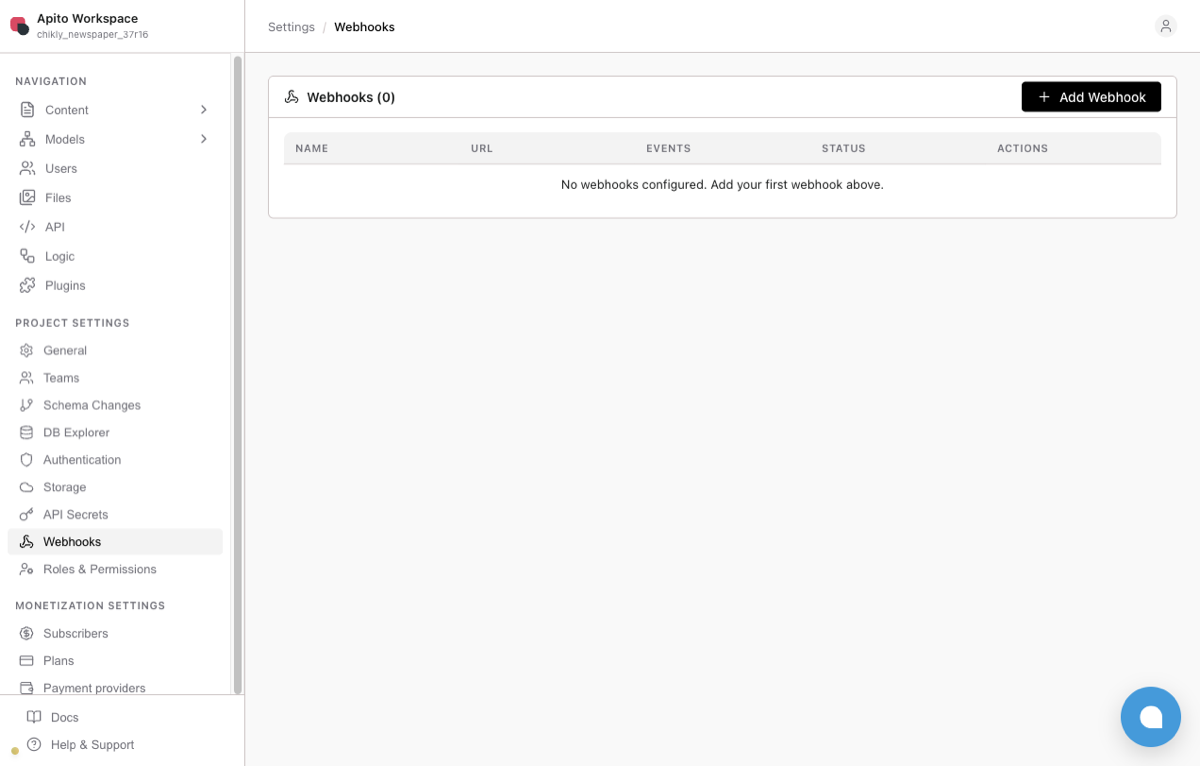
Console → Project Settings → Webhooks.
Create a webhook
- Console → Settings → Webhooks.
- Create — name, target URL, event filters.
- Save and trigger a test content change.
Keep secrets out of docs and Blueprints — store hook URLs in Console only.
Provider guides
Design tips
- Prefer idempotent rebuilds.
- Filter to the models that should invalidate the site.
- Do not webhook on every draft schema change — schema publish is a Console action, not a content event.