Database design and models
Editions: Open Source · Free Cloud · Pro · Workers
Models are the source of your generated GraphQL (and REST shim). Design in Console Models, via MCP, or sync a Blueprint.
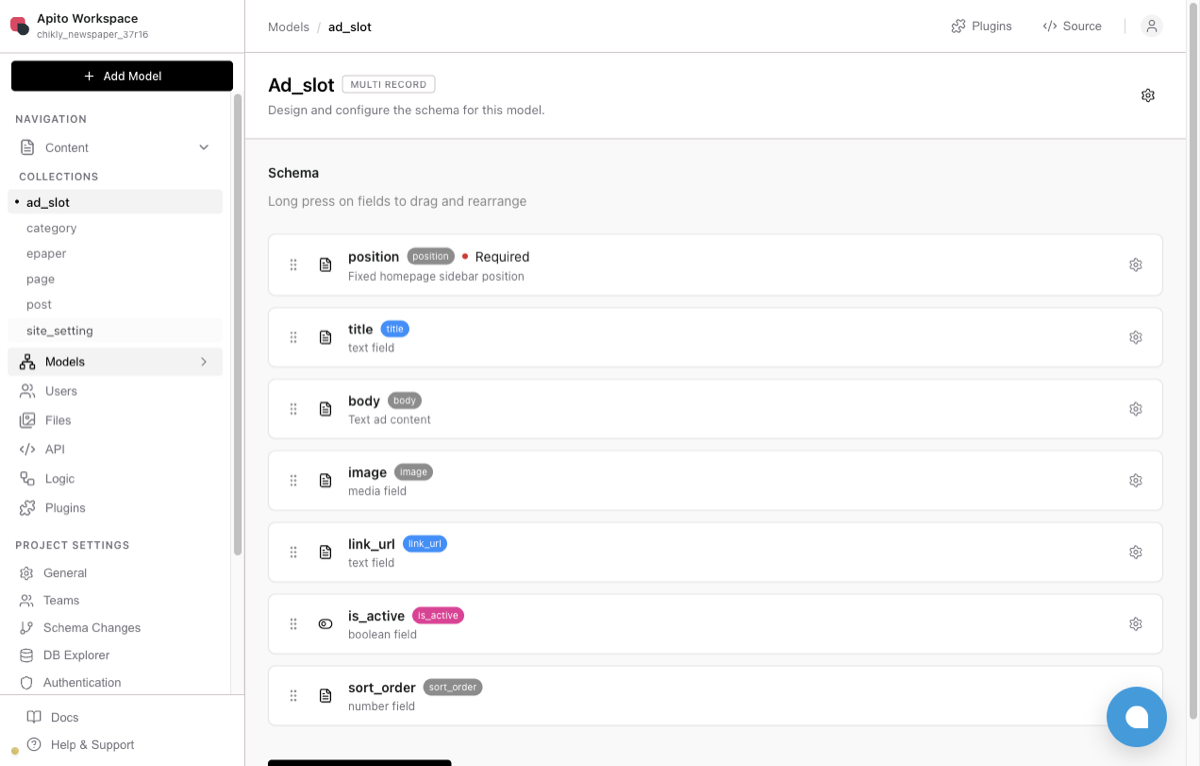
Create a model
- Open the project → Models.
- Create a model — name becomes the GraphQL type/operation stem.
- Add field / relation — text, number, date, media, boolean, nested lists, relations, etc.
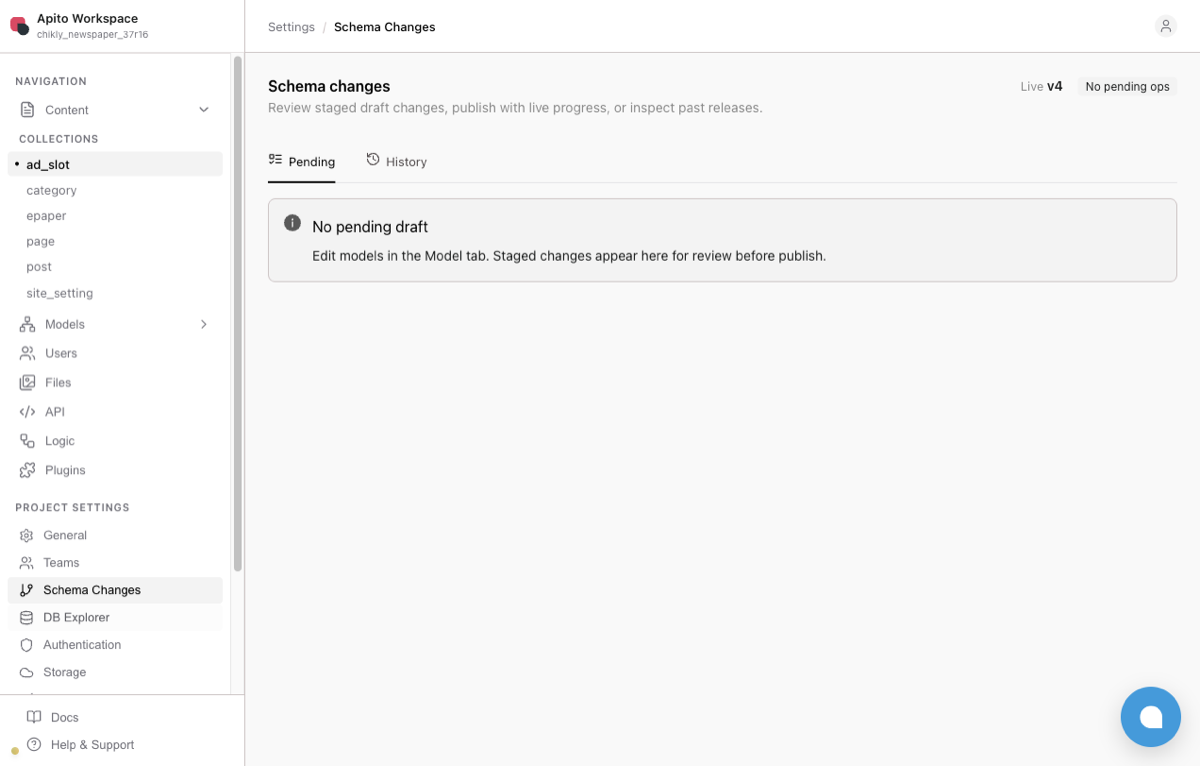
On Pro / review-enabled Cloud, changes land as a draft. Inspect Schema Changes, then Publish. Physical DDL (where applicable) follows the execution plan.
Relations
Configure forward and backward cardinality (has-one / has-many). Optional “known as” aliases disambiguate multiple edges to the same model. Relation keys in filters and connect payloads use snake_case in Admin SDKs — see Filters & relations.
Project profiles
| Profile | Use |
|---|---|
general |
Single-tenant / CMS-style |
saas shared DB |
Multi-tenant rows + tenant model |
saas + per-tenant DB |
Dedicated Studio or self-host — isolated DB per tenant |
Blueprint config.yml must match the destination profile or sync refuses the apply.
Do not
- Expect CLI/MCP to publish.
- Hand-edit Engine
system_*fields in portableschema.json. - Commit secrets into Blueprint exports.